Staff Scheduling Software for Teams That Run on Shifts
Staff Scheduling is the easy employee scheduling software for your team. Build staff schedules in minutes, manage shifts, and track time and availability — all in one place, from any device.
What Is Staff Scheduling Software?
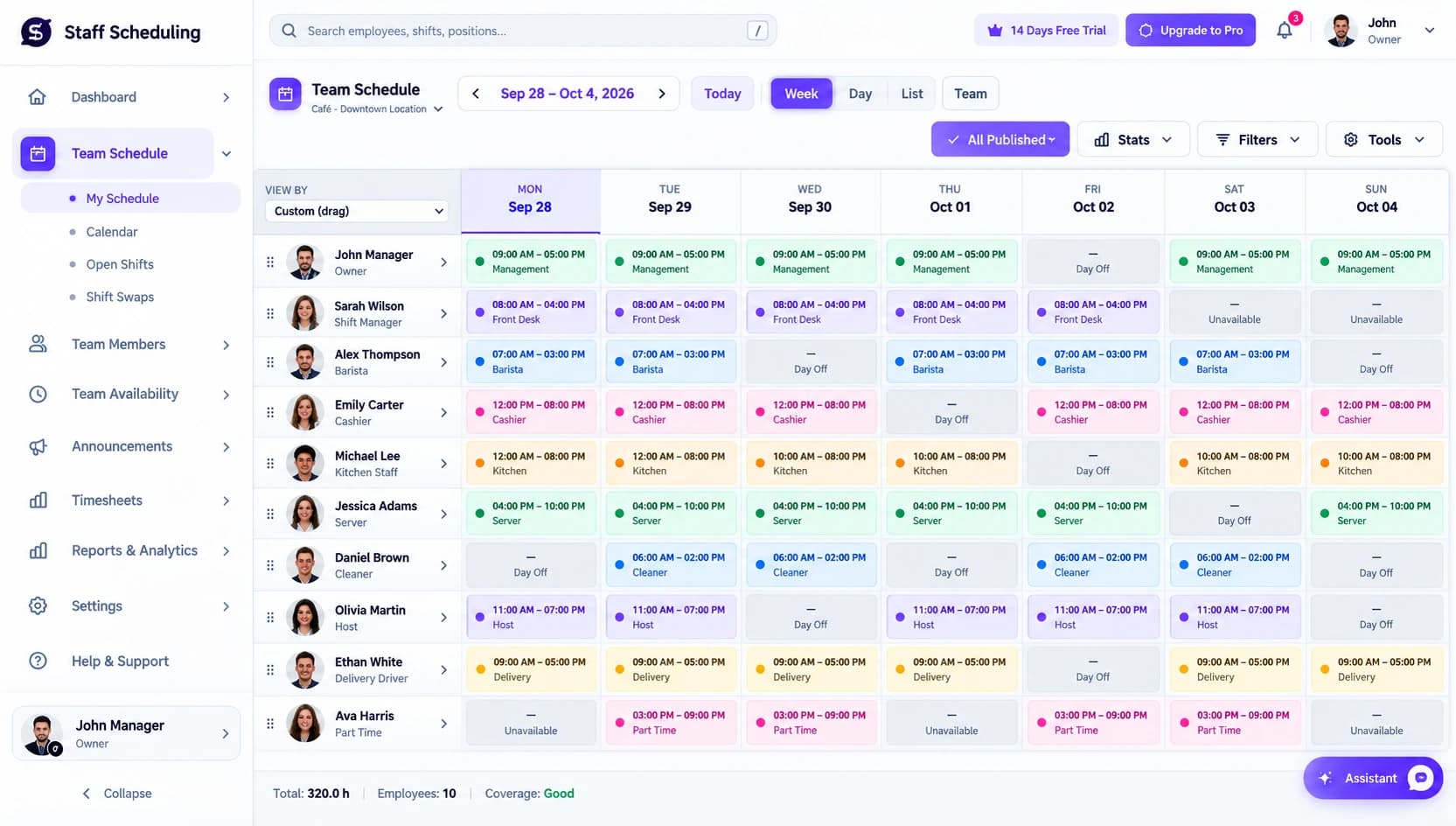
Staff scheduling software is a tool that helps businesses create, manage, and share employee schedules in one place. It replaces scattered spreadsheets and paper schedules with a single system where managers plan shifts around employee availability and employees always see the latest version of the schedule.
Staff Scheduling is staff scheduling software built for Canadian businesses. Managers can assign shifts, handle time-off requests, manage shift swaps, and track time and availability — and when something changes, the update reaches the whole team instead of getting lost in a group chat.
- Spreadsheets & paper
- Group-chat shift swaps
- Missed coverage gaps
- Manual updates
- Drag-and-drop schedules
- Self-service swaps
- Conflict alerts
- Real-time updates
Everything You Need to Manage Your Team
Scheduling, availability, time off, time tracking, and team communication — tuned for the way shift-based teams actually work.
Schedule Builder
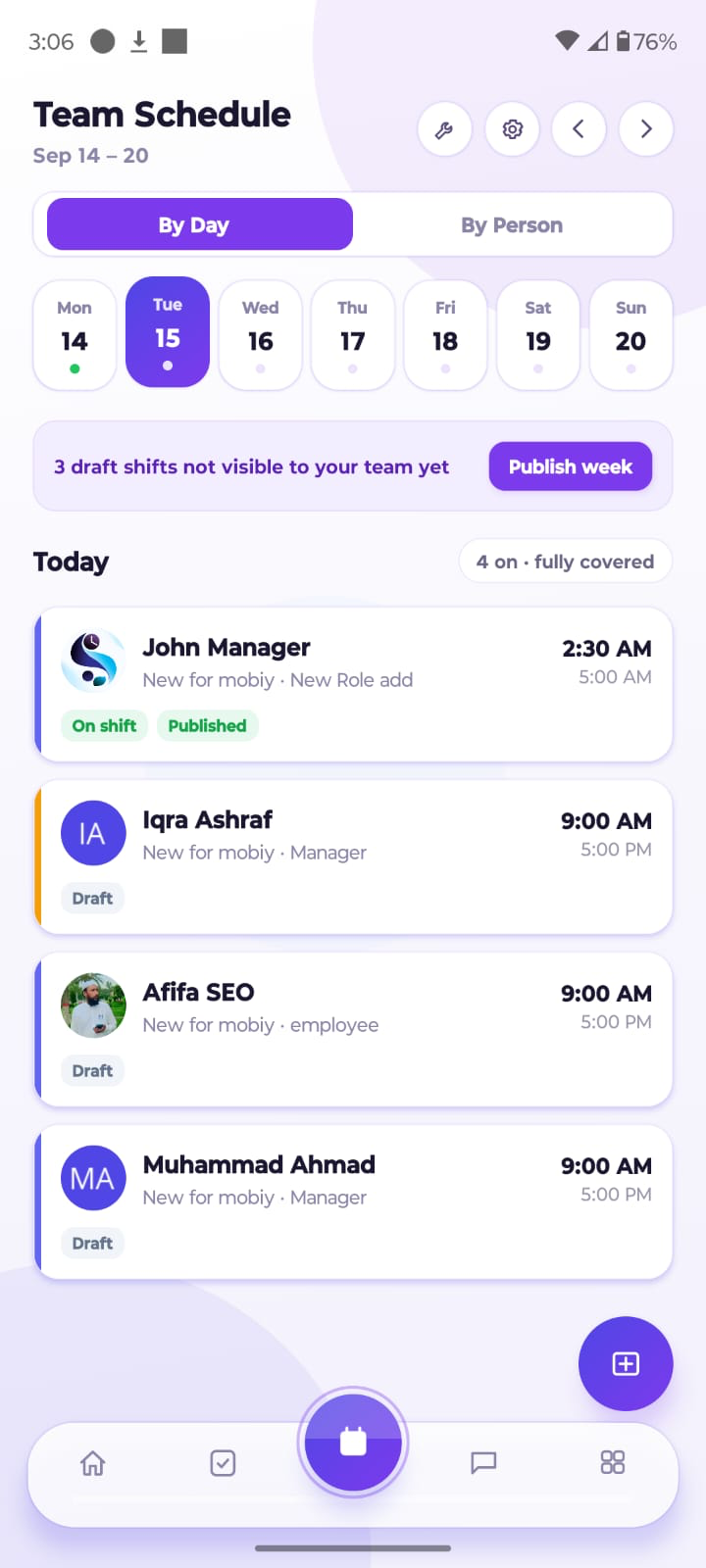
Create clear weekly or monthly schedules with recurring shifts, templates, and drag-and-drop editing. Assign employees to shifts and adjust the schedule in minutes when staffing needs change.
Learn moreEmployee Availability
Track employee availability, shift preferences, and working hours before you build the schedule, so shifts go to people who can actually work them and conflicts surface early.
Learn moreTime Off & Leave Requests
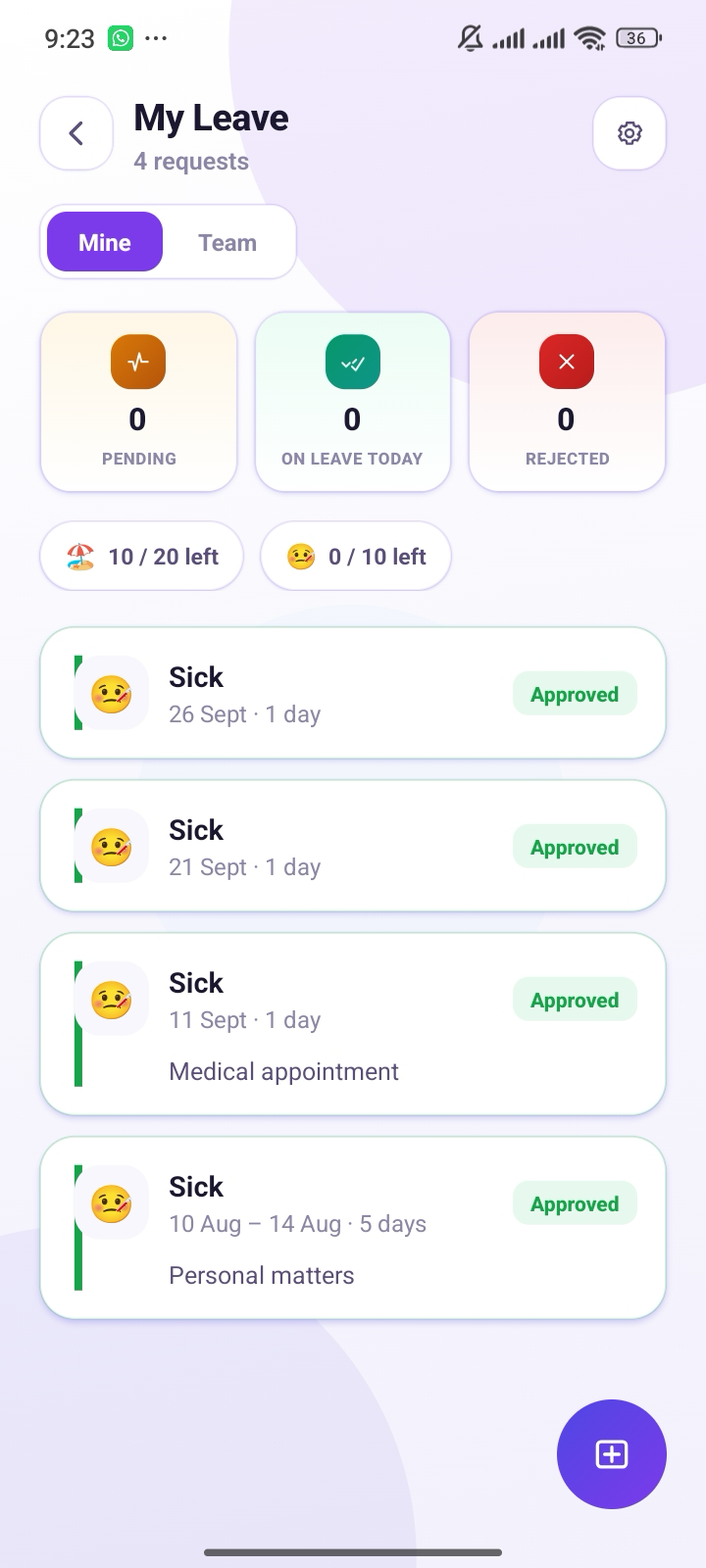
Employees request time off through the platform and managers approve or decline in one place. Approved leave shows up in the schedule, so coverage gaps are visible before they become a problem.
Learn moreShift Swaps & Open Shifts
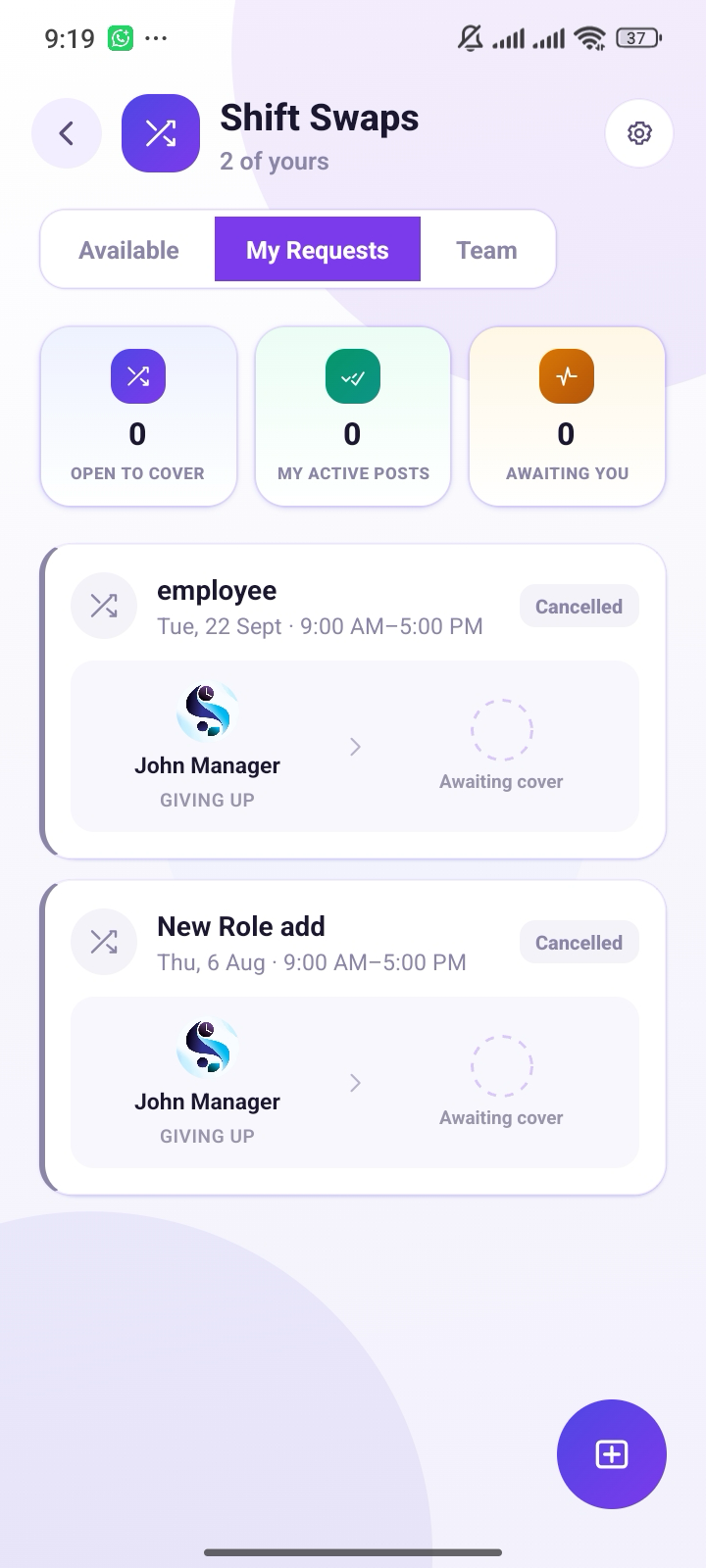
Employees can request shift swaps or take available open shifts when coverage is needed. Managers can review and approve changes before they become part of the official schedule, giving the team more flexibility without losing management control.
Learn moreTime Clock & Attendance
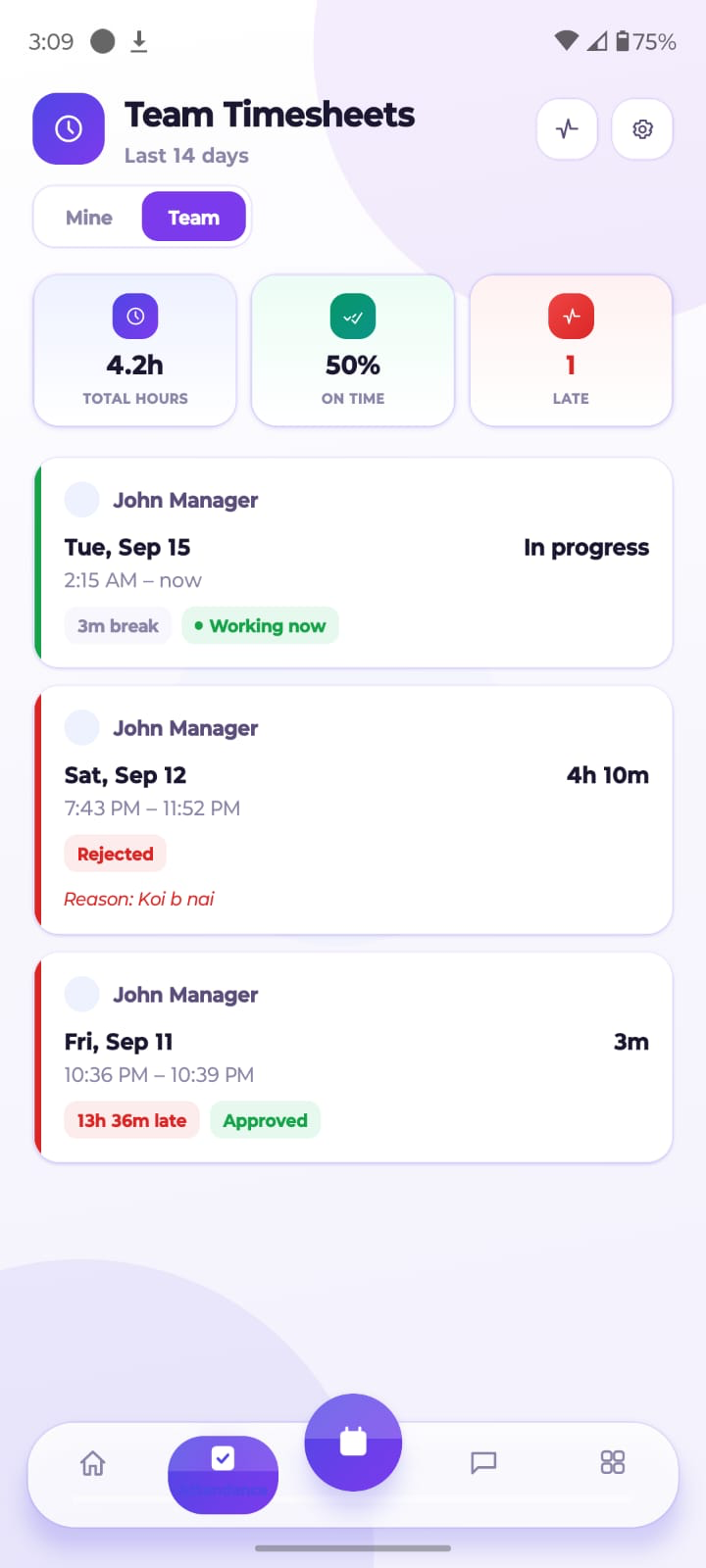
Built-in time tracking and attendance tools help managers monitor clock-ins, clock-outs, timesheets, and overtime. This connects scheduled hours with actual working hours and gives managers a clearer view of attendance and labor usage.
Learn moreTeam Messaging & Notifications
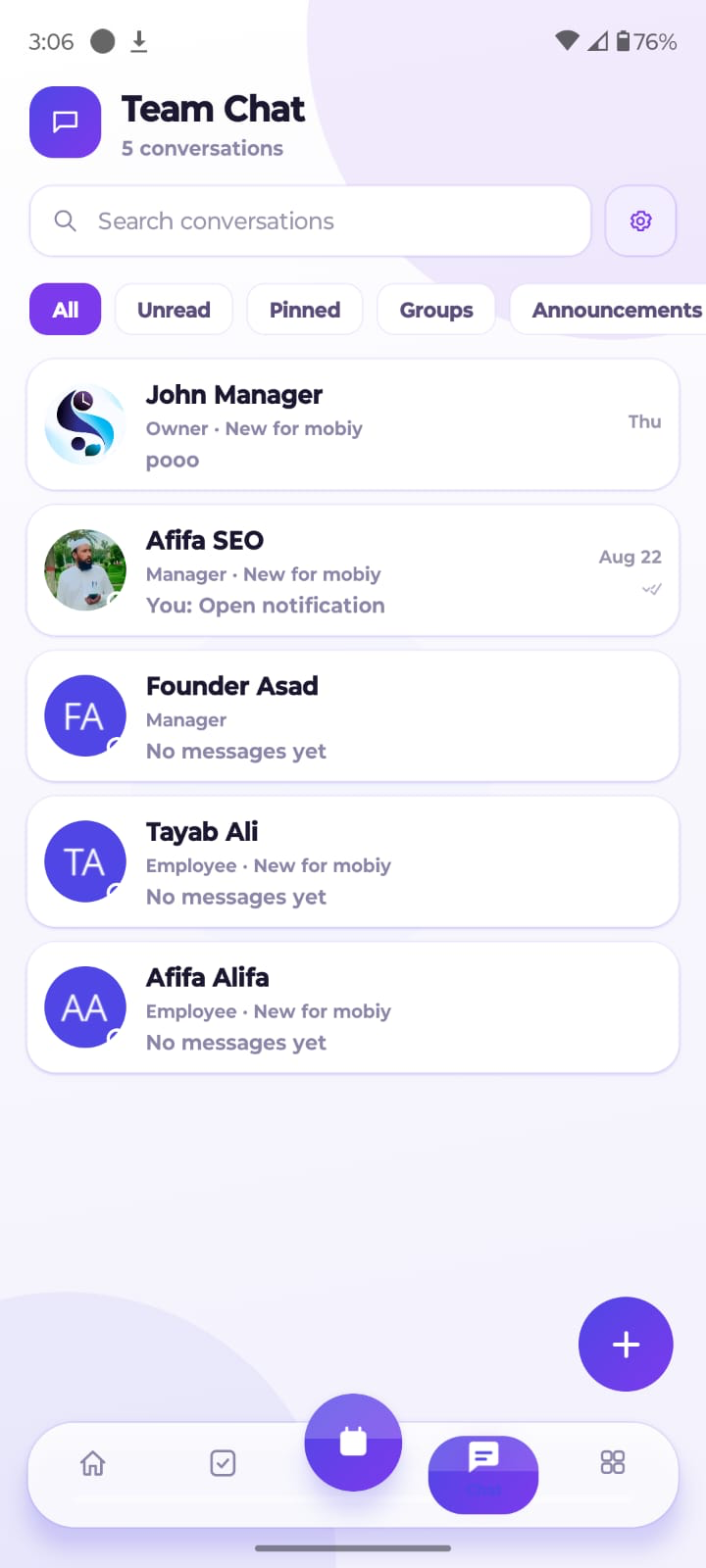
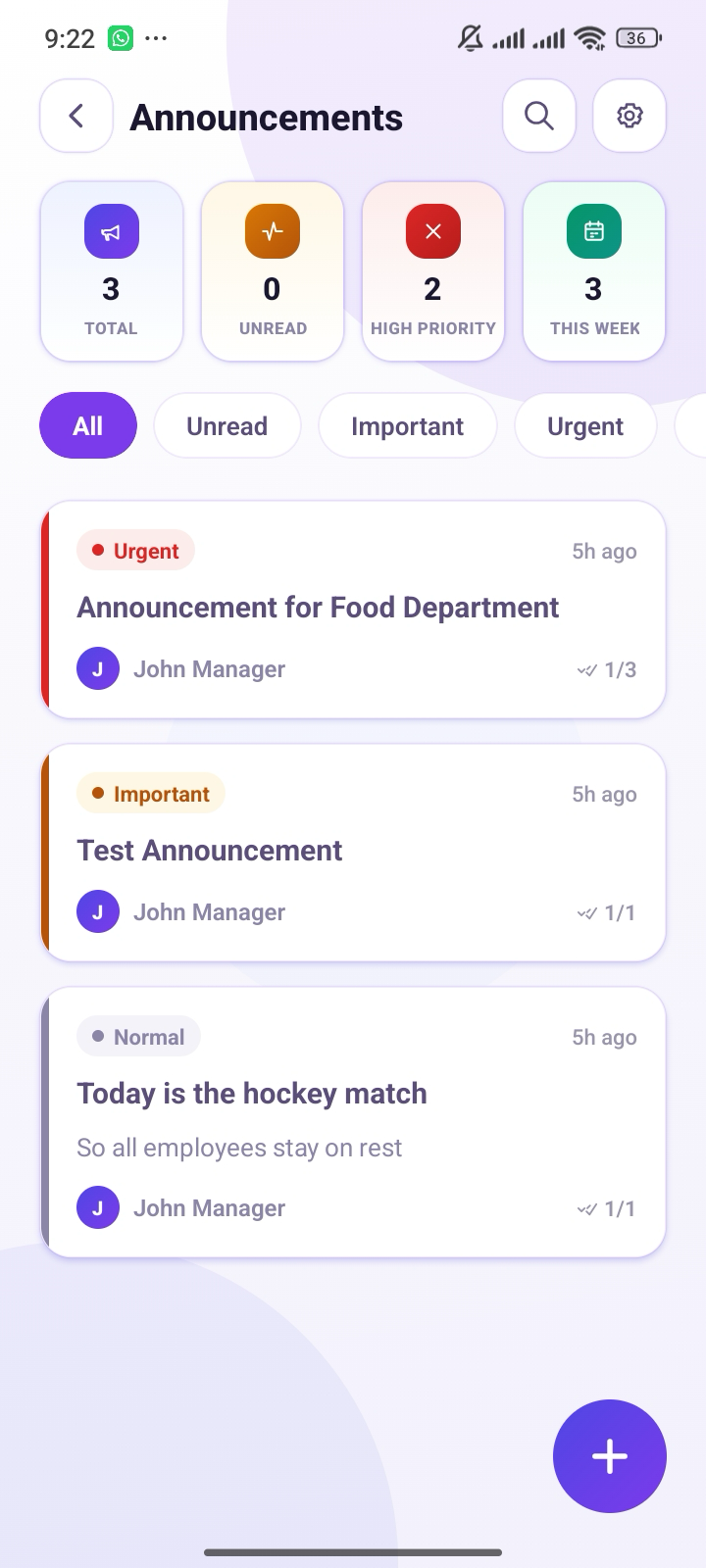
Schedule changes are communicated through team messaging and notifications, helping employees stay informed when shifts are added, changed, or reassigned. Managers can also send announcements to share important scheduling information with the whole team.
Learn moreLabour Costs & Reporting
Scheduling data connects with payroll workflows and reporting, making it easier to review hours, overtime, attendance, and labour costs. Reports give managers a clearer picture of how their teams are being scheduled and where staffing can improve.
Learn moreMulti-Location Scheduling
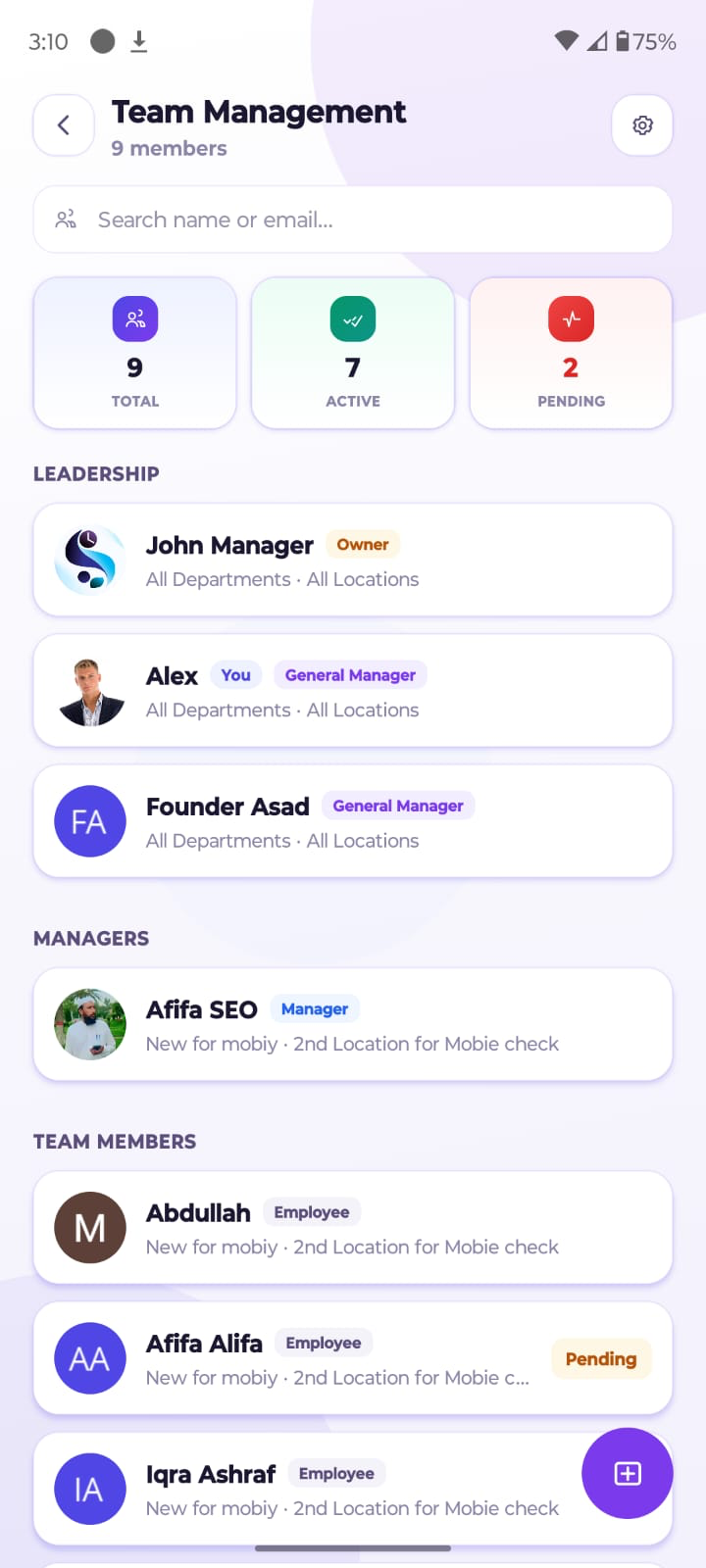
Businesses with multiple locations or departments can manage schedules from a centralized system. Managers can organize employees by location while maintaining visibility across the wider workforce.
Learn moreManage Your Team From Anywhere
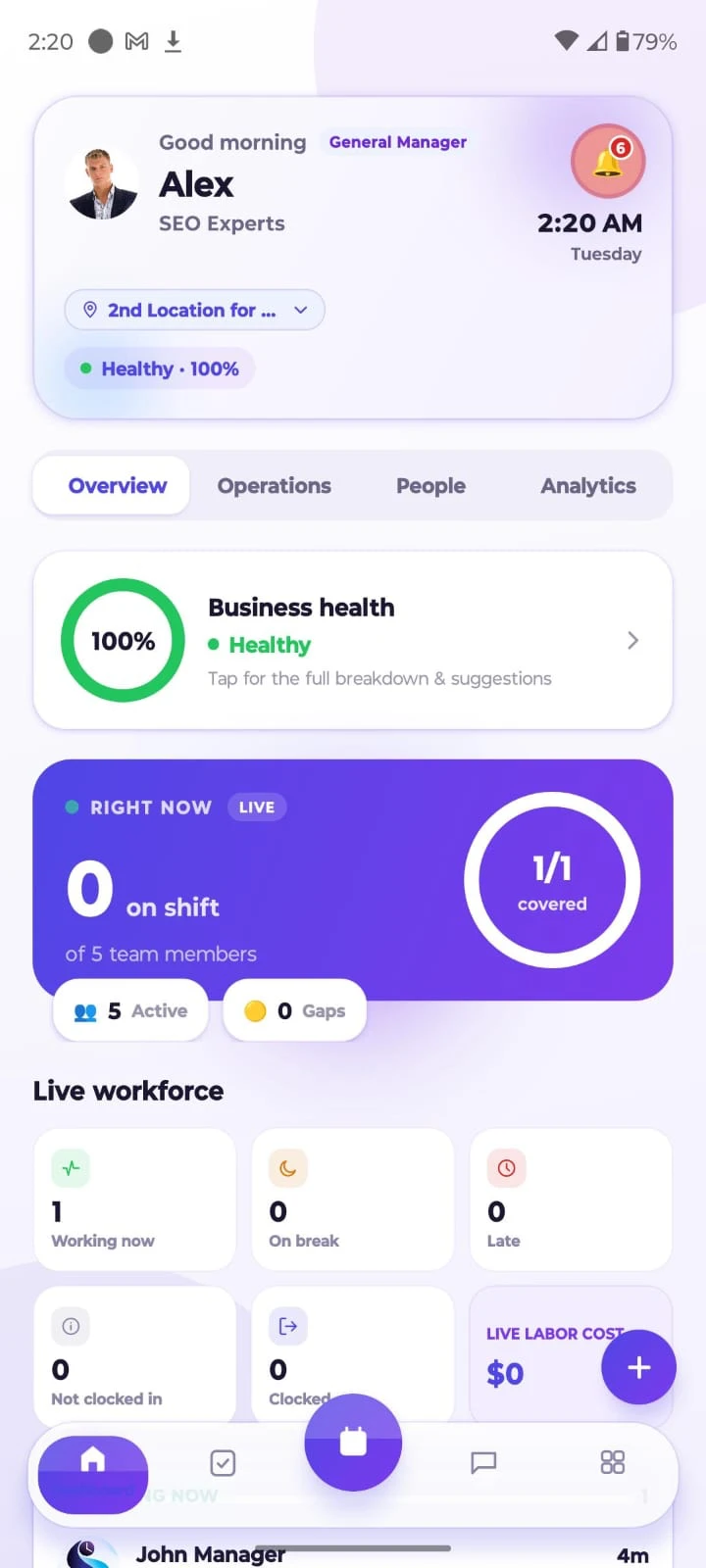
Stay on top of your team's schedule from anywhere. Use the Staff Scheduling app to view shifts, check availability, make schedule changes and keep employees updated. Whether you are at the office or managing multiple locations, everyone stays up to date with the latest schedule.
- View shifts on the go
- Approve changes in a tap
- Keep everyone updated
Free to download · iOS & Android
Who Should Use Staff Scheduling Software?
One platform for every shift, every industry — here's who benefits most.
Small Businesses
Small businesses with hourly workers and a limited number of managers can use staff scheduling software to create weekly schedules without spending hours on spreadsheets. Affordable staff scheduling tools make it easier to assign shifts, manage availability, handle time-off requests, and quickly update schedules when someone cannot work.
Restaurants and Hospitality Teams
Restaurants and hospitality businesses often deal with changing customer demand, different front-of-house and back-of-house roles, and last-minute staffing changes. Shift scheduling software helps managers plan coverage, manage employee availability, and fill open shifts. Employee scheduling apps also allow workers to check schedules and request changes from their phones, reducing communication gaps.
Retail Businesses
Retail stores often have part-time employees, changing peak hours, and multiple roles that need coverage throughout the day. A staff scheduling app can help managers assign employees based on availability and expected customer demand. Employees can use a scheduling app for employees to view shifts, request time off, and handle shift swaps without constantly contacting a manager.
Healthcare Organizations
Healthcare organizations need reliable coverage because employees may work different shifts and specific roles can require certain qualifications. Workforce management software can help managers plan coverage, track availability, manage time off, and follow scheduling rules. An employee scheduling system is especially useful when managers need to ensure that the right people are assigned to the right shifts.
Construction and Field Teams
Construction companies and other field-based businesses often manage mobile or deskless employees across different job sites. Online employee scheduling apps make it easier to assign workers to specific locations, share schedule updates, and track working hours. With digital employee scheduling, managers can also combine scheduling with GPS, location information, and time tracking.
Businesses With Multiple Locations
Businesses operating across several branches need more than a basic shared calendar. An employee scheduling platform can give managers centralized control while allowing each location to manage its own employees and shifts. Online employee scheduling tools can also provide location-based permissions, cross-location visibility, and easier staff movement between branches when coverage is needed.
How Staff Scheduling Software Works
From first schedule to full workforce visibility — six steps that change how your team operates.
Create Employee Work Schedules
The first step is creating an employee schedule based on the business's staffing needs. Managers can use employee schedule software or work schedule software to build weekly or monthly schedules, add shifts, assign roles, and use templates for recurring work patterns. Instead of creating everything from scratch in a spreadsheet, managers can reuse existing schedules and make changes when needed..
Assign Shifts Based on Availability and Roles
Once the schedule is created, managers assign employees to shifts based on their availability, roles, skills, and working hours. Good employee shift scheduling tools can highlight availability conflicts and help managers choose suitable employees. This makes scheduling software for employees especially useful for teams where different workers have different roles, qualifications, or preferred working hours..
Share Schedules With Employees
After shifts are assigned, managers can publish the schedule so employees can view their upcoming work. Online employee scheduling tools usually allow workers to check schedules through a browser or mobile device. Many staff scheduling apps also send notifications when a new schedule is published or an existing shift changes, so employees do not have to rely on printed schedules or messages from managers..
Manage Shift Changes and Time Off
Schedules rarely stay unchanged. Employees may request time off, become unavailable, or need to swap a shift with someone else. Shift management software gives managers a central place to review these requests and approve changes.
Track Hours and Attendance
Once employees start working, an employee scheduling system can compare scheduled hours with actual hours worked. Time clocks, clock-in and clock-out records, timesheets, attendance tracking, and overtime reports can all help managers identify differences. This makes it easier to spot late arrivals, missed shifts, overtime, or unexpected changes in working hours..
Review Labor Costs and Scheduling Data
The final step is reviewing how the schedule performed. Workforce scheduling software can show scheduled hours, actual hours, overtime, attendance, and labor costs. With broader workforce management software, managers can also analyze staffing patterns and identify areas where schedules could be improved.
Ready to see it in action?
Start Free TrialFrequently Asked Questions
Everything you need to know about staff scheduling software — and how Staff Scheduling keeps your team organized.
Want to go deeper?
Browse in-depth scheduling guides, playbooks, and industry tips.
Scheduling That Fits Your Team's Day
The right staff scheduling software should fit your team's daily workflow — making scheduling easier, reducing conflicts, improving communication, and giving managers better visibility into hours, attendance, and labour costs.
Try it with a real weekly schedule: add your team, set employee availability, time-off requests, shift swaps, and payroll workflow. A tool that works smoothly in everyday situations is more valuable than one that only looks impressive on a feature page.
Scheduling guides by industry
Ready to Build Your Best Schedule Yet?
Stop juggling spreadsheets and group chats. Build schedules, track time, and keep everyone in sync — all in one place.
30-day free trial · Cancel anytime · No setup fees