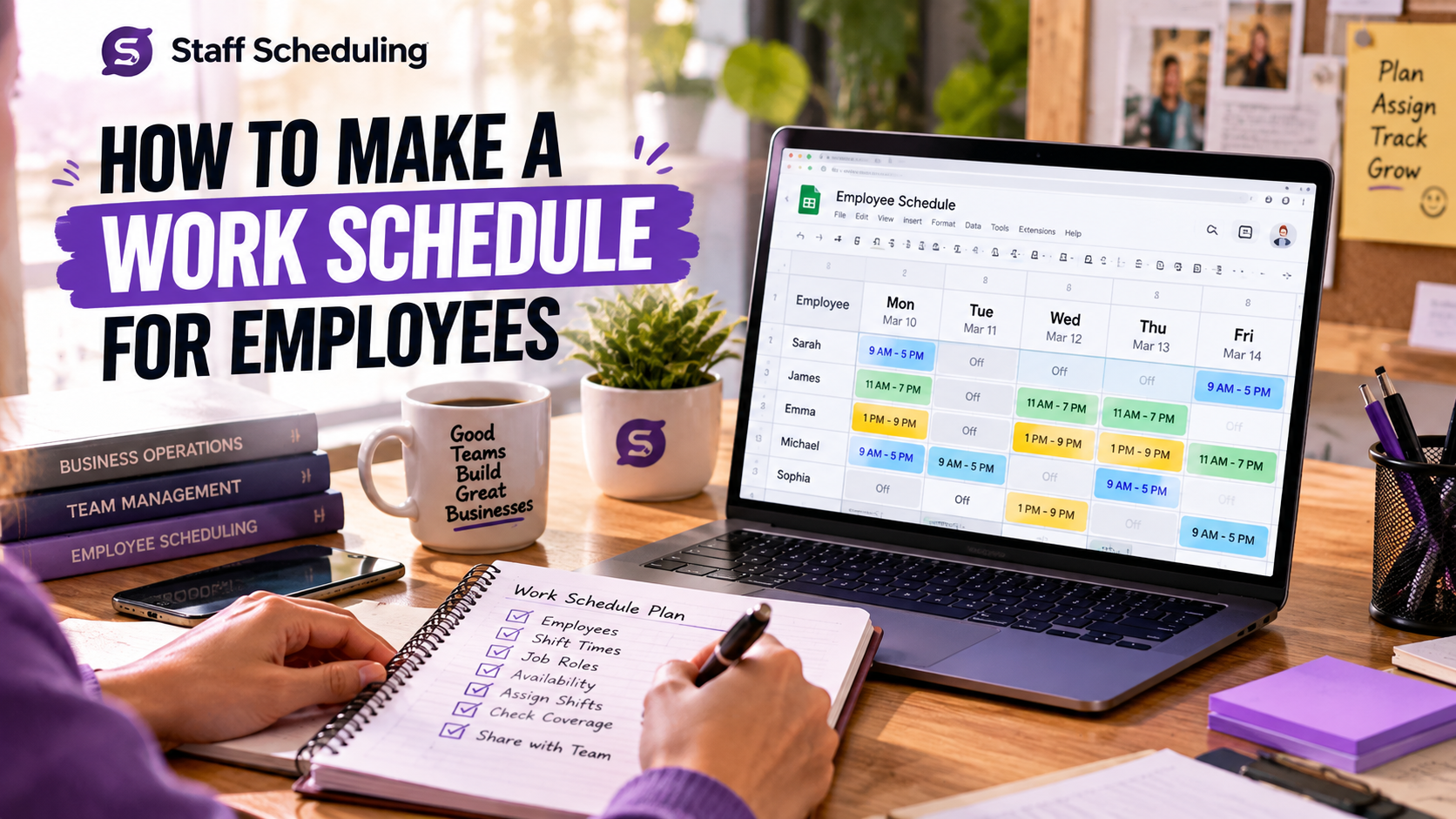
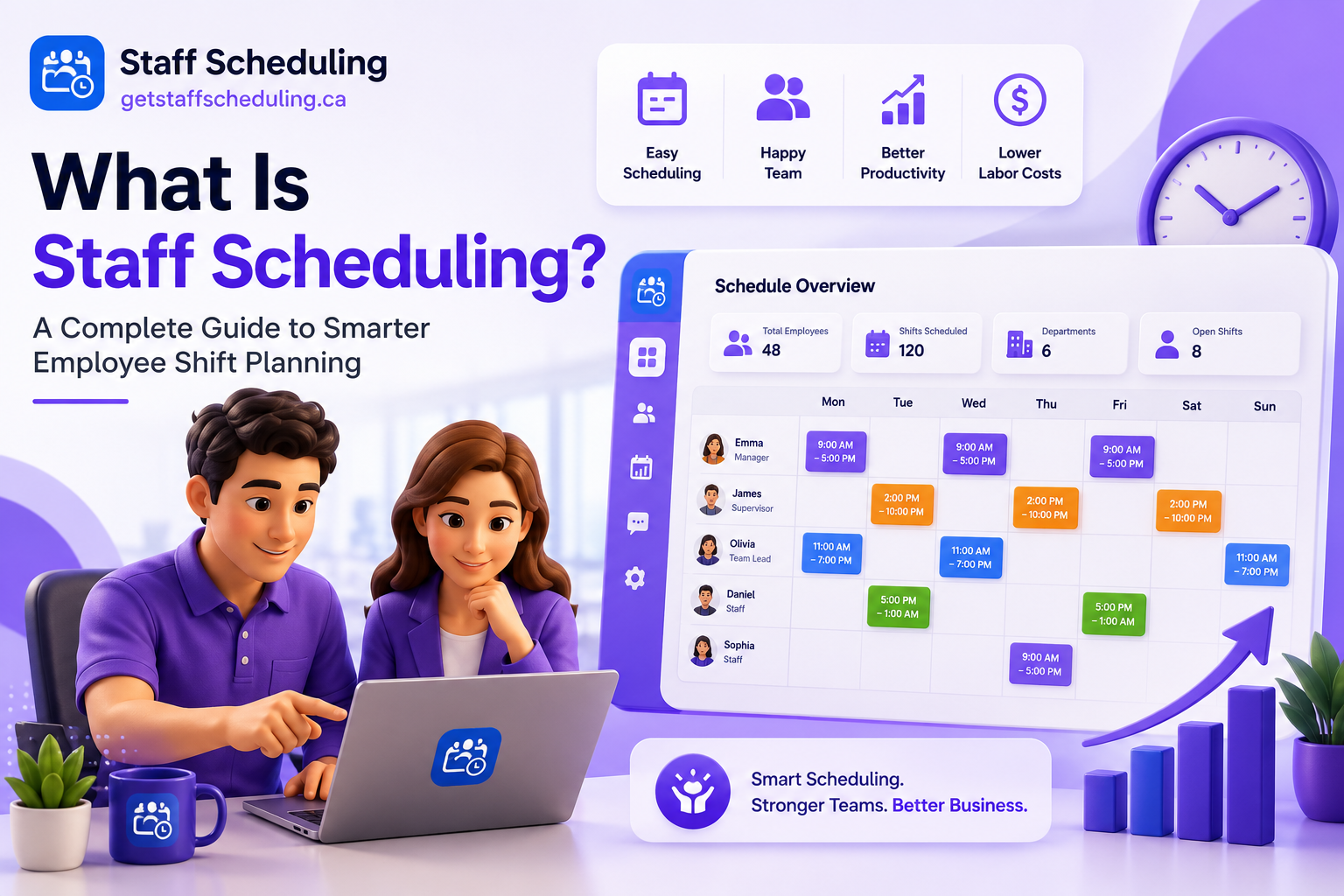
Every business wants to ensure that the right employee is assigned to the right shift at the right time. However, when schedules are managed manually, handling last-minute changes, employee availability, overtime, and labor costs can quickly become challenging. That's why staff scheduling is more than just creating a weekly work schedule—it's a fundamental part of effective workforce management.
If you're wondering "What Is Staff Scheduling?" or want to understand how businesses use it to improve employee productivity, streamline shift planning, and reduce scheduling conflicts, you're in the right place.
In this guide, you'll learn everything you need to know about staff scheduling, from the basics of how it works to best practices for creating efficient work schedules. We'll also explore how modern staff scheduling software helps businesses simplify shift management and employee scheduling while saving time and improving operational efficiency.
Let's start by understanding What Is Staff Scheduling?
Ready to get started?
Try Staff Scheduling free for 14 days. No credit card required.
Start Free TrialWhat Is Staff Scheduling?
Staff scheduling is the process of creating employee work schedules to ensure the right people are working at the right time. It helps businesses assign shifts based on employee availability, business demand, skills, and workload so daily operations run smoothly.
In simple terms, staff scheduling is about making sure every shift has the right number of employees without overstaffing or understaffing. A well-planned schedule helps businesses reduce overtime, control labor costs, improve employee productivity, and provide better customer service.
For example, a restaurant may need more employees during busy dinner hours than on weekday mornings. By planning shifts based on expected demand, managers can avoid scheduling conflicts, keep employees productive, and ensure customers receive the best possible service.
Why Is Staff Scheduling Important?
Effective staff scheduling helps businesses run more efficiently while creating a better experience for both managers and employees. Instead of dealing with staffing shortages, scheduling conflicts, or unnecessary overtime, businesses can plan shifts based on employee availability and business demand.
A well-planned schedule also improves employee productivity, supports better customer service, reduces labor costs, and helps teams stay organized. Whether you're managing a small business or a large workforce, effective staff scheduling makes daily operations more predictable and easier to manage.
Staff Scheduling vs Employee Scheduling
Although staff scheduling and employee scheduling are often used interchangeably, there's a slight difference in how they're commonly understood.
| Staff Scheduling | Employee Scheduling |
| Focuses on planning schedules for the entire workforce or team. | Focuses on scheduling individual employees and their shifts. |
| Often used when managing departments, multiple teams, or business-wide operations. | Commonly used when assigning or updating an individual employee's work schedule. |
| Supports overall workforce planning and business operations. | Helps manage an employee's availability, shifts, and daily working hours. |
In practice, however, both terms describe the same process of planning employee work schedules. Whether you call it staff scheduling or employee scheduling, the goal remains the same: assigning the right employees to the right shifts at the right time while keeping business operations running efficiently.
How Does Staff Scheduling Work?

Creating an effective staff schedule isn't just about filling shifts. It involves understanding your business needs, matching employee availability with demand, and making adjustments whenever schedules change. While every business follows its own process, the basic steps remain the same.
1. Identify Your Staffing Needs
Start by understanding how many employees you need for each shift. Consider factors such as busy hours, expected customer demand, seasonal trends, and the skills required to keep operations running smoothly.
2. Check Employee Availability
Review when employees are available to work before creating the schedule. Taking availability, approved leave, and time-off requests into account helps reduce scheduling conflicts and creates a fair work schedule.
3. Assign the Right Employees to the Right Shifts
Once you know your staffing requirements, assign employees based on their skills, experience, availability, and workload. A balanced schedule improves productivity while helping prevent unnecessary overtime and understaffing.
4. Share the Schedule with Your Team
Publish the work schedule early so employees know their upcoming shifts. Clear communication gives team members enough time to prepare and request changes if needed.
5. Monitor, Update, and Improve
Staff scheduling isn't a one-time task. Unexpected absences, shift swaps, and changing business demand may require schedule updates. Regularly reviewing and adjusting the schedule helps keep operations running efficiently.
Staff Scheduling Process at a Glance
| Step | What Happens |
| 1 | Identify staffing needs based on business demand. |
| 2 | Review employee availability and approved leave. |
| 3 | Assign the right employees to the right shifts. |
| 4 | Share the schedule with the team. |
| 5 | Monitor the schedule and make adjustments when needed. |
Who Needs Staff Scheduling?
Any business that manages employees, shifts, or rotating work schedules can benefit from staff scheduling. Whether you have a small team or hundreds of employees across multiple locations, an organized scheduling process helps improve productivity, reduce scheduling conflicts, and keep daily operations running smoothly.
Here are some of the industries where staff scheduling plays an essential role:
Restaurants
Restaurants often experience busy lunch and dinner hours, making shift planning a daily challenge. Staff scheduling helps restaurant managers assign the right employees during peak times, reduce overtime, and handle last-minute shift changes more efficiently. Learn more about our Restaurant Staff Scheduling Software.
Retail
Retail businesses need different staffing levels during weekends, holidays, and seasonal sales. A well-planned schedule helps stores maintain excellent customer service while keeping labor costs under control. Explore our Retail Staff Scheduling Software.
Healthcare
Hospitals, clinics, and healthcare facilities require accurate scheduling to ensure every shift is properly staffed. Effective staff scheduling helps managers organize employee availability, reduce scheduling conflicts, and support continuous patient care. Learn more about our Healthcare Staff Scheduling Software.
Hotels & Resorts
Hotels operate around the clock, which makes staff scheduling essential for front desk teams, housekeeping, maintenance, and guest services. A balanced work schedule ensures every department has the right coverage throughout the day. Discover our Hotel & Resort Scheduling Software.
Construction
Construction projects rely on the right crew being available at the right job site and time. Staff scheduling helps contractors coordinate teams, manage workloads, and keep projects moving without unnecessary delays. See how our Construction Crew Scheduling Software can help.
Cleaning Services
Cleaning companies often manage multiple clients and locations in a single day. Staff scheduling makes it easier to assign cleaners, organize routes, and adjust schedules when appointments change. Learn more about our Cleaning Service Scheduling Software.
Security Companies
Security teams work across multiple shifts and locations, often requiring 24/7 coverage. An organized scheduling process helps managers assign guards efficiently, reduce missed shifts, and respond quickly to last-minute staffing changes.
Common Types of Staff Scheduling
There isn't a single scheduling method that works for every business. The right approach depends on your industry, business hours, workload, and employee availability. While some businesses follow fixed work schedules, others need more flexibility to handle changing customer demand and staffing requirements.
Below are the most common types of staff scheduling used across different industries.
Fixed Schedule
A fixed schedule gives employees the same working days and hours every week. It's easy to manage, creates consistency, and works well for businesses with predictable workloads.
Flexible Schedule
A flexible schedule allows employees to adjust their working hours within agreed limits. It's a popular choice for businesses that want to improve work-life balance while maintaining productivity.
Rotating Schedule
A rotating schedule changes employees' shifts on a regular basis, such as moving between day, evening, and night shifts. It's commonly used in healthcare, manufacturing, and other businesses that operate 24/7.
Split Shift
A split shift divides one workday into two separate working periods with a long break in between. This approach is often used in restaurants, hospitality, and transportation businesses during peak hours.
On-Call Schedule
With an on-call schedule, employees are available to work whenever they're needed, even if they don't have a fixed shift. This method is common in healthcare, emergency services, and maintenance teams.
Hybrid Schedule
A hybrid schedule combines two or more scheduling methods to meet changing business needs. For example, a business may use fixed schedules for full-time employees while offering flexible or rotating shifts to part-time staff.
Staff Scheduling Methods Comparison
| Scheduling Type | Best For | Main Advantage | Consideration |
| Fixed Schedule | Offices, retail stores | Consistent and easy to manage | Less flexibility |
| Flexible Schedule | Modern workplaces | Better work-life balance | Requires good planning |
| Rotating Schedule | Healthcare, manufacturing | Fair distribution of shifts | Employees need time to adjust |
| Split Shift | Restaurants, hospitality | Covers busy hours efficiently | Long breaks between shifts |
| On-Call Schedule | Healthcare, emergency services | Handles unexpected demand | Less predictable for employees |
| Hybrid Schedule | Growing businesses | Maximum flexibility | More complex to manage |
If you're unsure which scheduling method fits your business, start by understanding your workload, employee availability, and operating hours. As your business grows, you can combine multiple scheduling methods to create a more efficient work shift schedule that meets both business and employee needs.
What Makes an Effective Staff Schedule?
Creating a staff schedule is easy. Creating an effective staff schedule is what makes the real difference. A good schedule balances business needs with employee expectations, ensuring every shift is properly staffed without increasing labor costs or creating unnecessary scheduling conflicts.
Before publishing a work schedule, managers should consider these five key factors.
Match Your Schedule to Business Demand
Start by understanding when your business is busiest. Schedule more employees during peak hours and fewer during quieter periods to maintain excellent customer service without overstaffing.
Consider Employee Skills
Not every employee has the same experience or responsibilities. Assign the right people to the right shifts based on their skills, role, and experience to keep operations running smoothly.
Review Employee Availability
Always consider employee availability before assigning shifts. Respecting approved leave, preferred working hours, and existing commitments helps create a fair schedule while reducing last-minute changes.
Stay Within Your Labor Budget
An effective schedule should support business goals without overspending on labor. Monitoring staffing levels and overtime helps control labor costs while ensuring every shift has enough coverage.
Distribute Shifts Fairly
Employees value fairness. Rotate popular and less desirable shifts evenly whenever possible so no one feels overworked or treated unfairly. A balanced schedule helps improve employee satisfaction, communication, and long-term retention.
Key Takeaway
An effective staff schedule isn't just about filling empty shifts. It's about balancing business demand, employee availability, skills, and labor costs while creating a fair work schedule that supports both employees and business performance.
Benefits of Effective Staff Scheduling
An effective staff schedule does more than assign employees to shifts. It helps businesses improve daily operations, support employees, and deliver a better customer experience. When schedules are planned carefully, both managers and employees benefit.
Improve Employee Productivity
Employees perform better when they know exactly when and where they're expected to work. Clear schedules reduce confusion, improve focus, and help teams complete their work more efficiently.
Reduce Overtime and Scheduling Conflicts
Planning shifts based on employee availability and business demand helps prevent unnecessary overtime, last-minute changes, and scheduling conflicts. This creates a more organized and predictable work environment.
Lower Labor Costs
Overstaffing increases expenses, while understaffing can hurt customer service. Effective staff scheduling helps businesses maintain the right staffing levels, keeping labor costs under control without affecting operations.
Strengthen Team Communication
Sharing work schedules in advance gives employees enough time to prepare, request shift changes, and communicate any availability updates. Better communication leads to fewer misunderstandings and smoother daily operations.
Increase Employee Retention
Employees are more likely to stay with a company when schedules are fair, consistent, and respectful of their availability. Balanced shift planning improves job satisfaction and reduces employee turnover over time.
Deliver Better Customer Service
When every shift has the right employees in place, customers receive faster service and a better overall experience. Proper staffing also reduces stress on employees during busy periods.
Key Takeaway
Effective staff scheduling benefits both businesses and employees. It improves productivity, controls labor costs, reduces overtime, strengthens communication, and creates a more reliable work schedule that supports long-term business growth.
Best Practices for Staff Scheduling
Even the best schedule won't stay effective if it isn't planned, reviewed, and updated regularly. Following a few simple best practices can help businesses reduce scheduling problems, improve employee satisfaction, and keep daily operations running smoothly.
Plan Schedules in Advance
Publish work schedules several days or weeks before shifts begin whenever possible. Giving employees enough notice helps them plan ahead, reduces last-minute changes, and creates a more organized workplace.
Build Schedules Around Employee Availability
Always consider employee availability before assigning shifts. Respecting approved leave, preferred working hours, and existing commitments helps create fair schedules while reducing shift conflicts and unexpected absences.
Communicate Schedule Changes Early
Sometimes schedules need to change because of business demand or unexpected absences. Inform employees as early as possible so they have enough time to prepare or request adjustments. Clear communication builds trust and reduces confusion.
Review and Update Schedules Regularly
A schedule shouldn't remain unchanged if business needs change. Regularly reviewing staffing levels, customer demand, and employee feedback helps managers keep schedules accurate and efficient.
Use Staff Scheduling Software to Save Time
Managing schedules manually becomes more difficult as teams grow. Staff scheduling software helps automate shift planning, track employee availability, manage shift changes, and improve communication, making the entire scheduling process faster and more reliable.
Key Takeaway
Successful staff scheduling isn't just about filling shifts. It's about planning ahead, understanding employee availability, communicating clearly, reviewing schedules regularly, and using the right tools to create a fair and efficient work schedule.
Manual Staff Scheduling vs Staff Scheduling Software
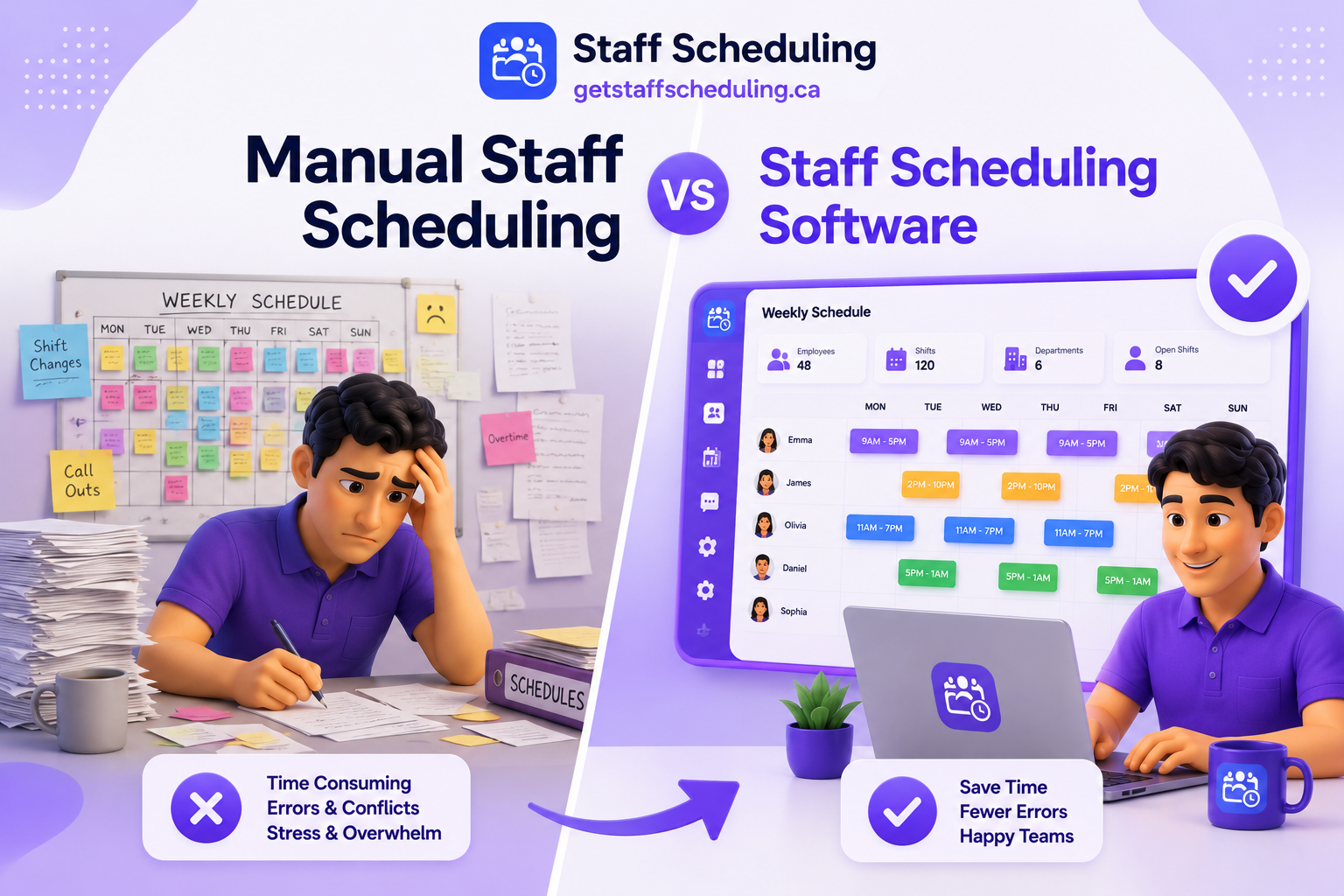
Manual Staff Scheduling vs Staff Scheduling Software
Many small businesses start by creating work schedules manually using paper, spreadsheets, or shared calendars. While this approach may work for small teams, it often becomes difficult as the business grows and scheduling becomes more complex.
Staff scheduling software automates many of these tasks, making it easier to manage employee availability, shift changes, team communication, and daily scheduling without spending hours updating schedules manually.
| Manual Staff Scheduling | Staff Scheduling Software |
| Time-consuming to create and update schedules. | Creates and updates schedules much faster. |
| More likely to include human errors. | Reduces scheduling mistakes with automation. |
| Difficult to manage last-minute changes. | Makes shift changes quick and simple. |
| Limited visibility into employee availability. | Tracks employee availability in real time. |
| Communication often relies on calls or messages. | Instantly notifies employees about schedule updates. |
| Harder to monitor overtime and labor costs. | Helps track overtime and control labor costs. |
| Doesn't scale well for larger teams. | Easily manages multiple teams and locations. |
| Limited reporting and scheduling insights. | Provides reports, analytics, and scheduling data. |
If you're managing only a few employees, manual scheduling may be enough for now. However, as your team grows, staff scheduling software can save time, reduce scheduling conflicts, improve employee communication, and help you create more accurate work schedules with less effort.
What Is Staff Scheduling Software?
Staff scheduling software is a digital tool that helps businesses create, manage, and update employee work schedules more efficiently. Instead of relying on spreadsheets, paper schedules, or manual planning, managers can organize shifts, track employee availability, handle schedule changes, and communicate with their teams from a single platform.
Whether you're managing a small business or multiple locations, scheduling software helps reduce administrative work, improve scheduling accuracy, and keep everyone on the same page.
How Does Staff Scheduling Software Work?
Most staff scheduling software follows a simple process. Managers create employee schedules based on business demand, employee availability, and shift requirements. Once the schedule is published, employees can view their shifts, receive notifications about updates, request time off, or swap shifts when allowed.
As schedules change, managers can make updates in real time, helping teams stay organized without the confusion that often comes with manual scheduling.
Key Features of Staff Scheduling Software
Most modern staff scheduling solutions include features such as:
- Drag-and-drop shift scheduling
- Employee availability management
- Shift swapping
- Time-off and leave management
- Time tracking and attendance
- Overtime monitoring
- Team notifications
- Reports and scheduling analytics
- Multi-location scheduling
- Mobile access for managers and employees
Who Should Use Staff Scheduling Software?
Staff scheduling software is useful for any business that manages employee shifts or rotating work schedules. It's especially valuable for restaurants, retail stores, healthcare providers, hotels, construction companies, cleaning services, and other businesses where scheduling changes frequently.
If your team is growing, you're spending too much time creating schedules manually, or you're dealing with scheduling conflicts, overtime, or communication issues, switching to a dedicated staff scheduling solution can make daily operations much easier.
Looking for a simpler way to manage employee schedules? GetStaffScheduling helps you create schedules faster, manage employee availability, reduce scheduling conflicts, and keep your team connected—all from one easy-to-use platform.
How to Choose the Right Staff Scheduling Software
Not every staff scheduling software is built for the same type of business. A solution that works well for a small café may not be the best choice for a growing retail chain or a healthcare organization. Before making a decision, focus on the features that match your business needs rather than choosing software based on price alone.
Choose Software That Fits Your Business Size
Start by considering the size of your team and how your business is expected to grow. The right software should work just as well for a team of 10 employees as it does for multiple locations with hundreds of staff members.
Look for an Easy-to-Use Interface
Scheduling should save time, not create more work. Choose software with a clean, simple interface so managers can build schedules quickly and employees can easily view their shifts without extra training.
Check Available Integrations
If you already use payroll, time tracking, HR, or attendance systems, make sure your scheduling software can integrate with them. Connected tools reduce manual work and help keep your employee data accurate.
Make Sure It Works on Mobile Devices
Managers and employees don't always work from a desk. A mobile-friendly scheduling solution allows employees to check schedules, receive notifications, request time off, and swap shifts wherever they are.
Compare Pricing and Long-Term Value
Price is important, but it shouldn't be the only factor. Compare the features, support, scalability, and overall value you'll receive. Investing in the right software can save hours of administrative work while reducing scheduling mistakes and labor costs over time.
Quick Checklist Before Choosing Staff Scheduling Software
Before making your final decision, ask yourself:
- Does it fit the size of my business?
- Is it easy for both managers and employees to use?
- Can it integrate with the tools I already use?
- Does it offer a mobile app or mobile-friendly access?
- Does the pricing match the value and features provided?
Choosing the right staff scheduling software isn't about finding the platform with the most features—it's about finding the one that makes scheduling easier for your business and your team.
Frequently Asked Questions
1. Is staff scheduling software worth it for small businesses?
Yes. Staff scheduling software isn't just for large companies. Small businesses can also save time, reduce scheduling mistakes, manage employee availability more easily, and improve team communication. As your business grows, the software can grow with you, making scheduling much easier than relying on spreadsheets or paper schedules.
2. How far in advance should employee schedules be published?
Most businesses publish employee schedules one to two weeks in advance whenever possible. Giving employees enough notice helps them plan their personal commitments, reduces last-minute schedule changes, and creates a more organized workplace.
3. How does staff scheduling help reduce labor costs?
Effective staff scheduling matches employee shifts with business demand. This helps prevent overstaffing during quiet hours and understaffing during busy periods. As a result, businesses can reduce unnecessary overtime, improve productivity, and keep labor costs under control.
4. Can employees swap shifts using staff scheduling software?
Yes. Most modern staff scheduling software allows employees to request shift swaps, subject to manager approval. This makes it easier to handle unexpected schedule changes while ensuring every shift remains properly covered.
5. What features should I look for in staff scheduling software?
Look for software that includes employee scheduling, availability management, shift swapping, time-off requests, notifications, time tracking, reporting, mobile access, and integrations with payroll or HR systems. The right features should simplify scheduling and support your business as it grows.
Final Thoughts
Effective staff scheduling is about much more than assigning employees to shifts. When schedules are planned around business demand, employee availability, and fair workload distribution, businesses can improve productivity, reduce labor costs, minimize scheduling conflicts, and create a better experience for both employees and customers.
Whether you manage a restaurant, retail store, healthcare facility, hotel, construction crew, or any other shift-based business, the right scheduling approach can make daily operations more organized and efficient. As your team grows, moving from manual scheduling to staff scheduling software can save valuable time while giving managers better control over schedules, communication, and workforce planning.
If you're ready to simplify employee scheduling and spend less time managing shifts, explore Get Staff Scheduling to see how an easy-to-use scheduling solution can help your business stay organized and keep your team connected.